BearGraph for Mac
See how your
Bear notes connect.
BearGraph turns the links and tags in your Bear library into a graph you can browse. Find a note, follow its connections, or get an overview of a project.
Coming to the Mac App Store. Free to download, with an optional Pro upgrade.

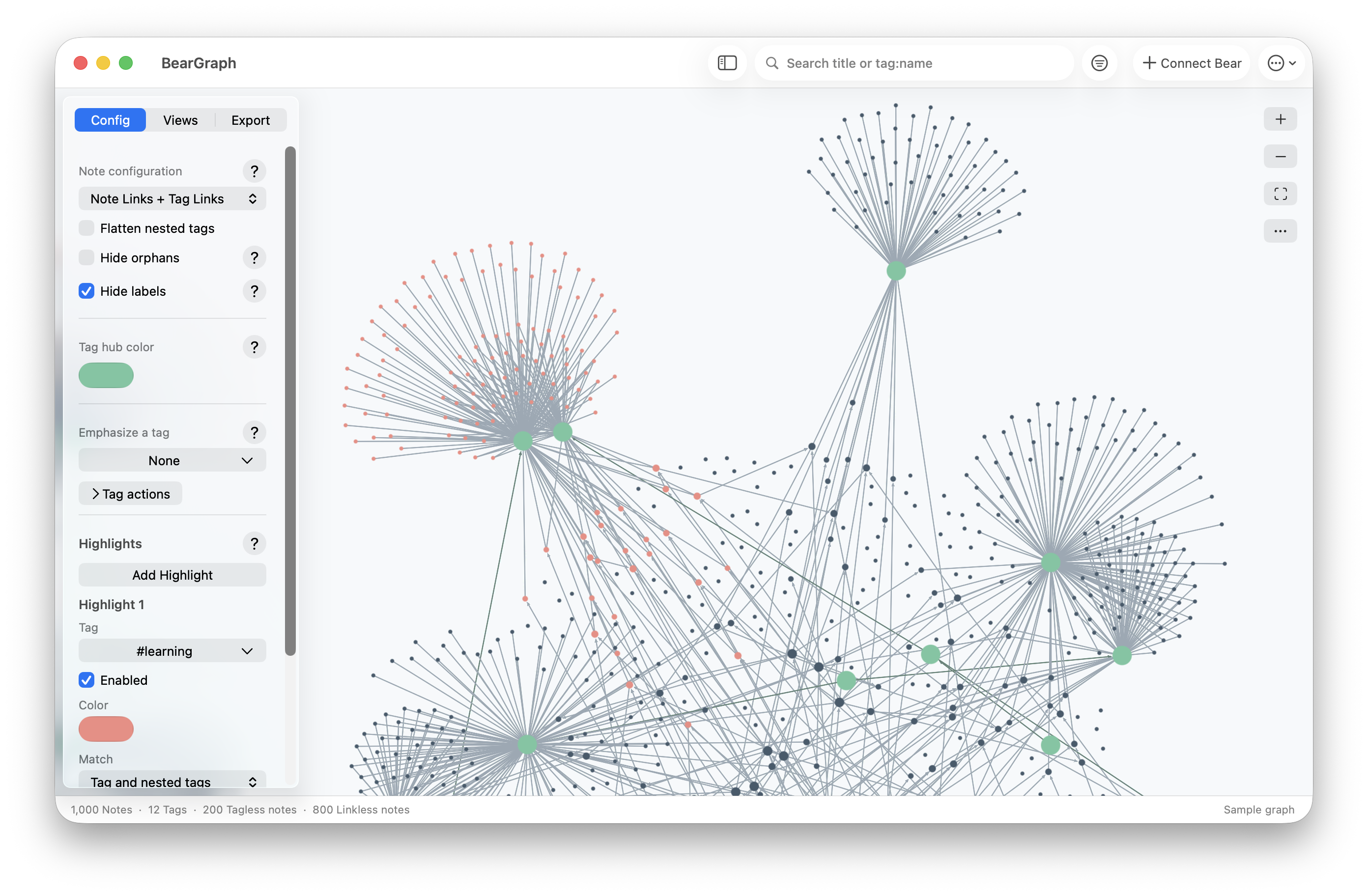
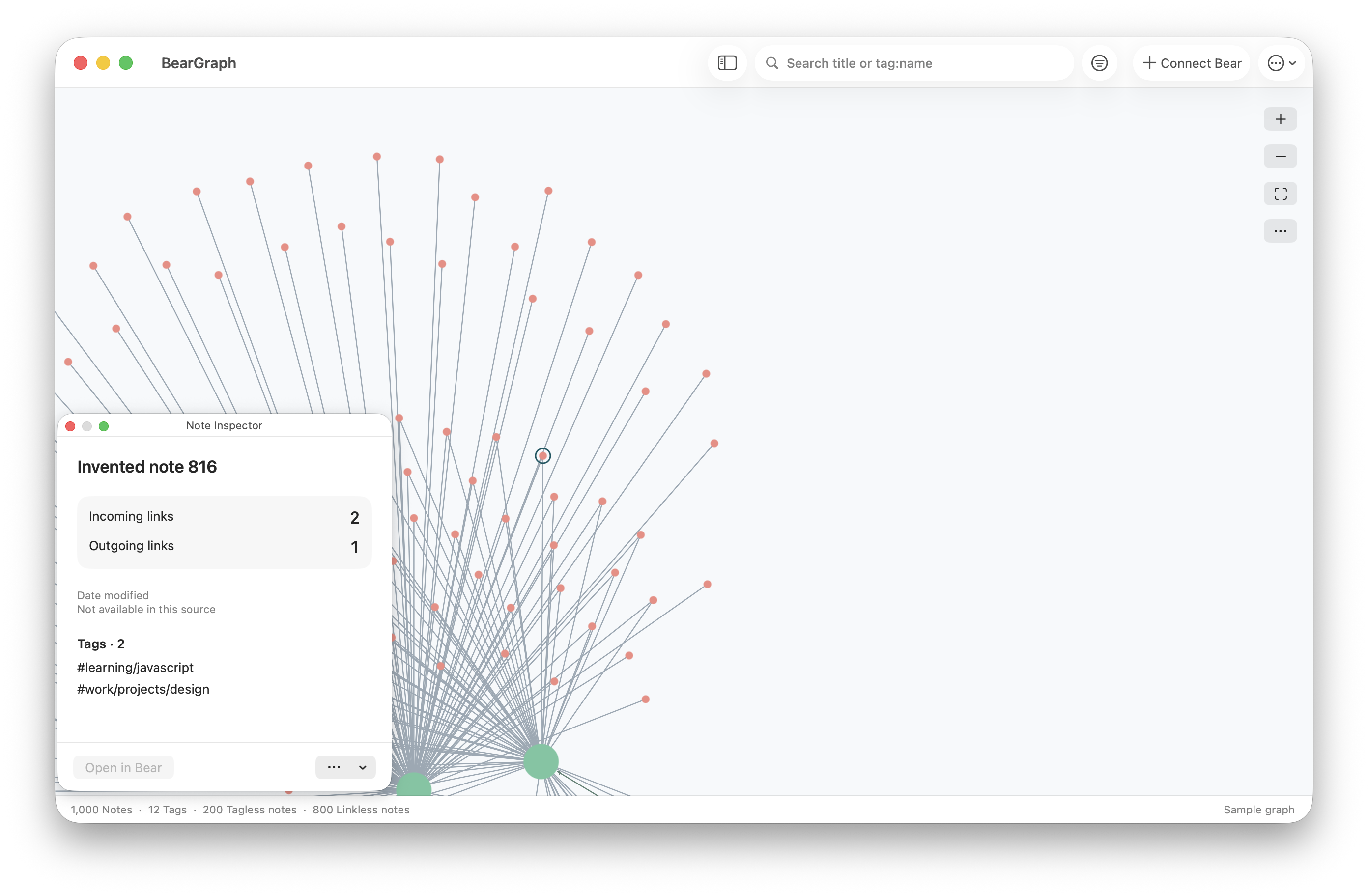
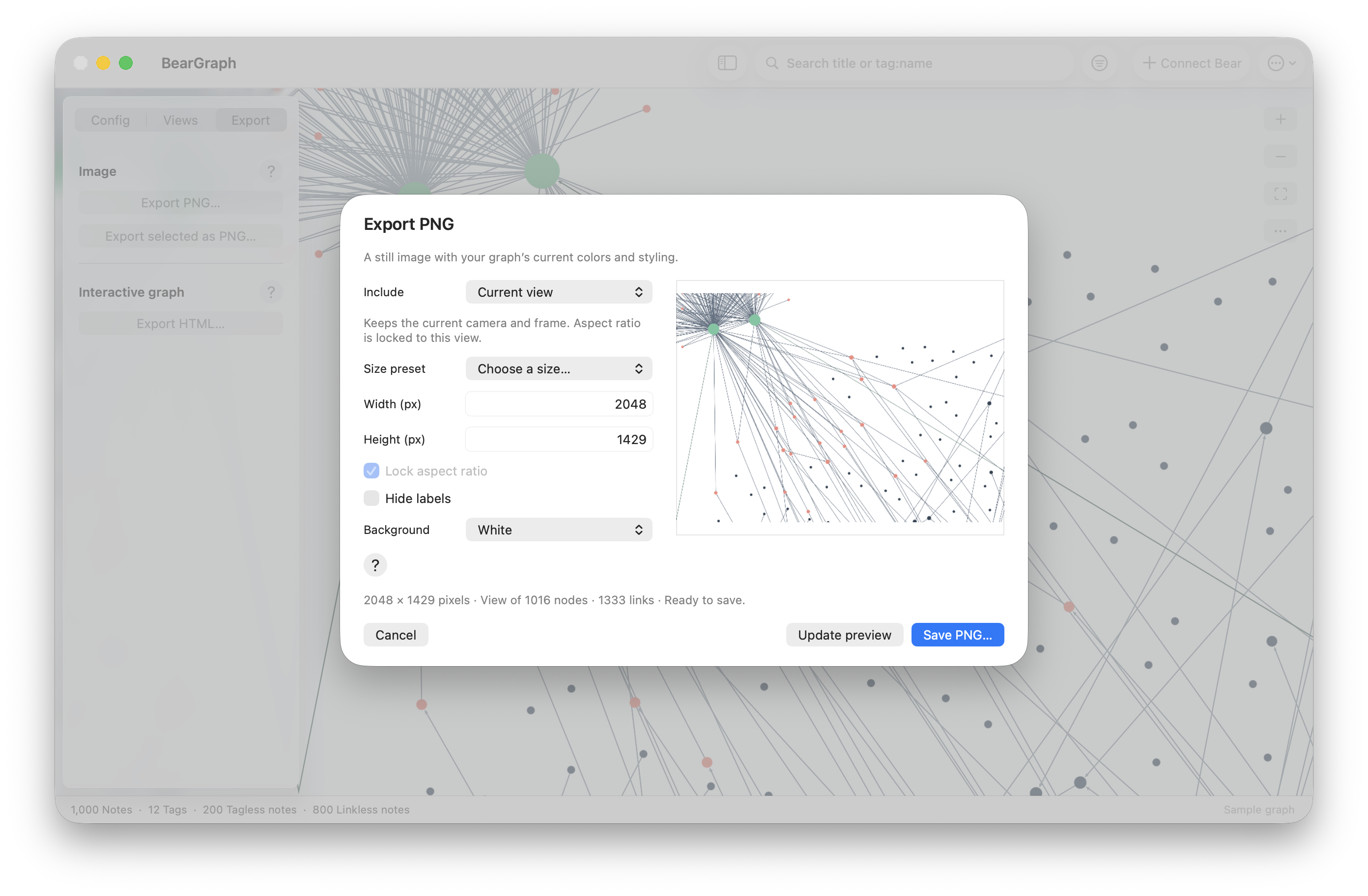
Click any screenshot to take a closer look. All notes shown are sample data. Views and exports require BearGraph Pro.
Browse your library for free
Show links between notes, group them by tag, or see both together. Use Highlights to pick out a topic, search for a note, and check your library’s stats. There’s no note limit.
Save and share with Pro
Save views you want to come back to. Export a PNG for a document or presentation, or save an interactive HTML graph that opens in a browser offline.
BearGraph Pro is a one-time in-app purchase: US$1.99. No subscription. Your local price appears in the app before you buy.
Your notes stay on your Mac
BearGraph reads your library without changing it. There’s no BearGraph account to create, and the app doesn’t upload your notes to a server. You can try it with a sample graph before giving it access to Bear.
What you’ll need
An Apple Silicon Mac running macOS 14 or later, with Bear installed to connect your library. You can use the sample graphs without Bear.
BearGraph is an independent companion app. Bear is a separate application.